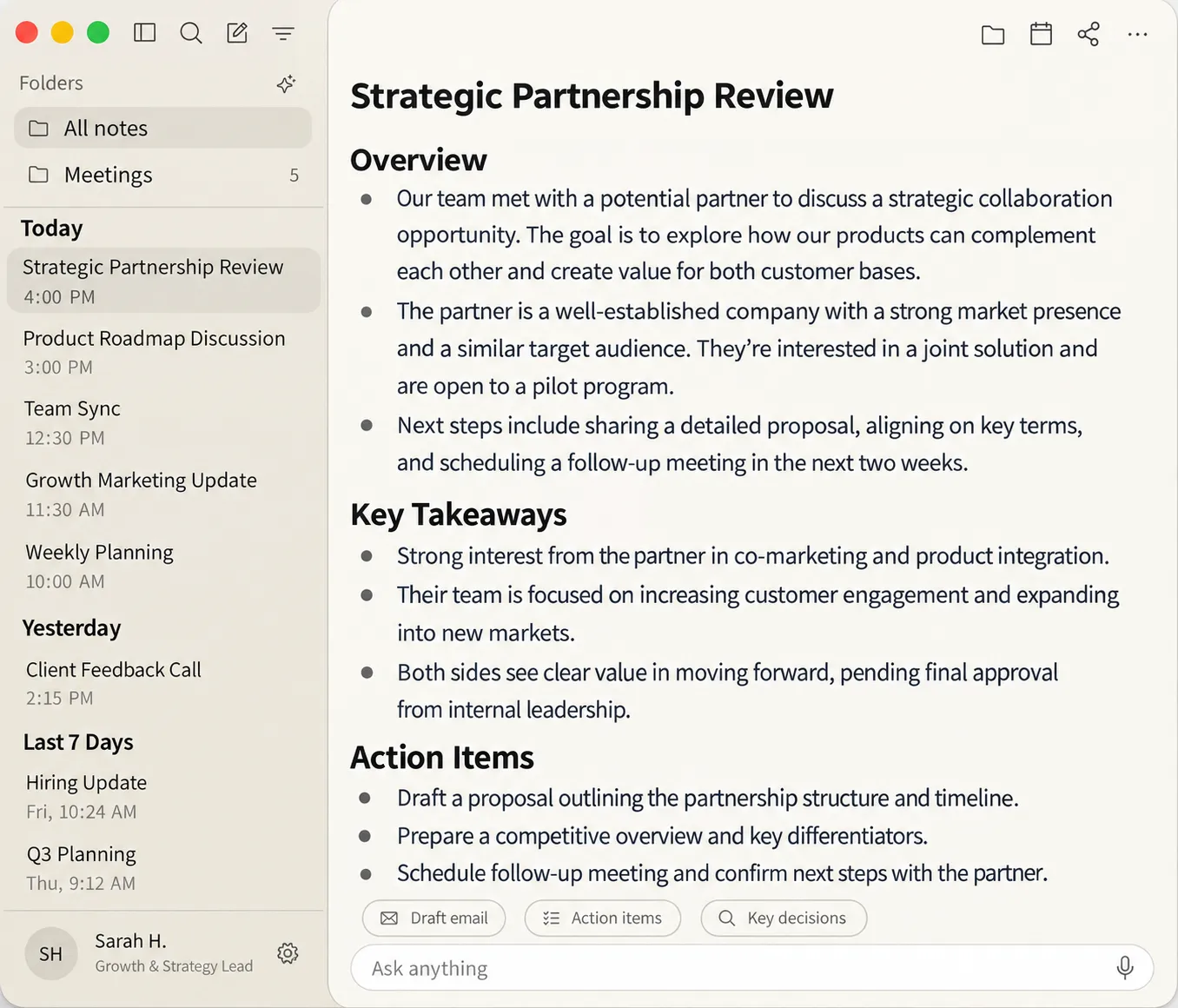
No bot in the call
Nobody else sees a notetaker join. Capture stays on your Mac, so the meeting looks like a meeting.


Beta
No bot in the call. Notes stay on your machine. AI via keys you control.
v0.1.24 · Apple Silicon · macOS 15 · Windows 10/11 x64. No account. Signed.
Most notetakers arrive as a bot, then keep a copy of the call. Acorn listens from your computer, writes locally, and answers while the conversation is still going.
Nobody else sees a notetaker join. Capture stays on your Mac, so the meeting looks like a meeting.
Transcripts and notes live on your device. There is no Acorn account, and nothing is uploaded to us in order to take notes.
When you want a summary or an answer, you connect a provider you already use. Acorn talks to it with your keys, not ours.
Decisions get made, then vanish into the next agenda item. Acorn is already writing — and you can ask before the room moves on.
11:04
Acorn captures from your machine. Zoom, Google Meet, Teams, or the room itself — the other people never see a bot.
11:18
The record is on this computer. You can read it later. We cannot, because it never came to us.
11:19
Who owns it? What did we just commit to? Live Ask answers from the notes already on your Mac.
Not a recap tomorrow. Not a bot reading the room back to a server. A question, answered from notes that have not left this computer.
Bring your own model when you want one. The audio stays here unless you send it.
On this Mac
What did we commit to before Friday?
Ship the API change. Ben owns it. Review is Monday, not this week.
Mac is Apple Silicon, macOS Sequoia 15 or later, and notarized. Windows is 10/11 x64 and signed. No account.
01
Get the 0.1.24 build. On Mac, open the DMG and drag Acorn into Applications. On Windows, run the installer.
02
On Mac, launch Acorn from Applications. Gatekeeper should let it through — this build is signed and notarized. On Windows, finish the installer and open Acorn.
03
Microphone so it can hear you. System audio so it can hear everyone else. On Mac, Accessibility so it can read meeting details without joining the call. Windows also needs WebView2, which Windows 11 already has.
Acorn is a local meeting notes app for Mac and Windows. It captures from your computer so no bot joins Zoom, Google Meet, or Teams. Notes stay on this machine. Live Ask answers during the meeting, using a model and keys you control. Built on Anarlog (MIT).
No. Acorn captures from your computer. Nobody else sees a notetaker arrive.
On this computer. Transcripts and notes are not uploaded to us in order to take notes.
Apple Silicon, macOS Sequoia 15 or later.
Windows 10/11 x64. Run the installer. Needs WebView2 (Windows 11 already has it).
Zoom, Google Meet, Teams, or the room itself. Acorn never joins as a participant.
Not to capture notes. For summaries or Live Ask, connect a provider you already use, with your keys.
Yes. It is optional. Acorn can read your Google Calendar so notes match the right meeting. Calendar data stays on your Mac. See how we handle Google user data.
Write to hello@useacorn.app.
Beta. Apple Silicon, macOS Sequoia 15 or later. Windows 10/11 x64. No account.
v0.1.24 · Signed. Notes stay on this computer.